OpenThat.LinkOpenThat.Link

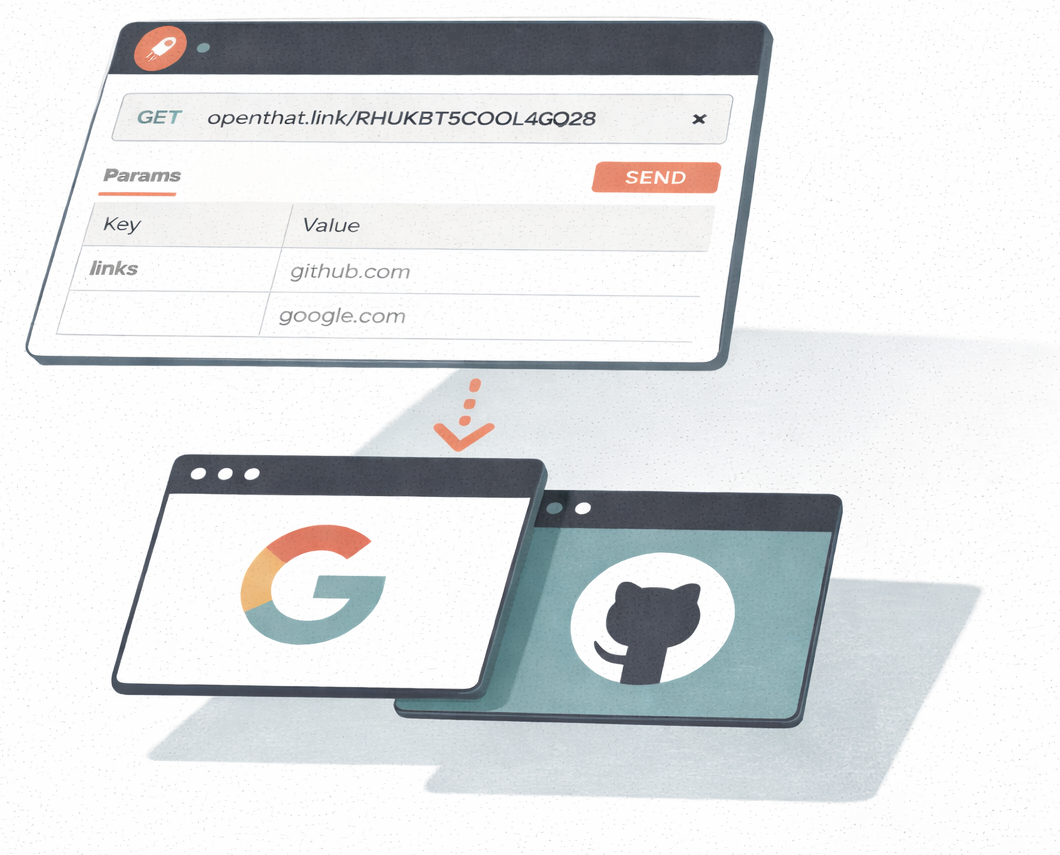
Trigger a webhook → open a link in your local browser.

Connect your automation tools to your browser. Send links from Zapier, n8n, Make, your own code, or any webhook-capable tool and they open automatically in new tabs.

View on GitHub
OpenThatLink illustration showing webhook to browser connection

How it works

01
Install the extension
Add the browser extension from the Chrome Web Store. No account or signup needed.
02
Copy your webhook URL
Each installation gets a unique webhook URL. Use it in your automation workflows.
03
Send links via webhook
Make HTTP requests to your webhook. Links open automatically in your browser.

See it in action

Watch a quick demo to see how OpenThat.Link connects your automation tools to your browser.

Built for privacy

No account needed
No email, no password, no personal data. Install and start using immediately.
Links auto-delete
Links are deleted the moment your browser opens them. Maximum retention: 48 hours.
Open source
Every line of code is public. Inspect it, audit it, or self-host your own instance.
Simple API
One endpoint, GET or POST. Works with any tool that can make HTTP requests.

Send links to your browser

Use your webhook URL in n8n (HTTP Request node), Zapier (Webhooks), Make, or any tool that can send HTTP requests. Developers can use it as a REST API endpoint.

Open a single link

Pass the link as a query parameter.

GET https://openthat.link/YOUR-SECRET-TOKEN?link=example.com

Open multiple links

Comma-separate multiple links in a single request.

GET https://openthat.link/YOUR-SECRET-TOKEN?link=google.com,github.com,example.com

POST with JSON

Send a JSON body for more complex use cases.

curl -X POST https://openthat.link/YOUR-SECRET-TOKEN \
  -H "Content-Type: application/json" \
  -d '{"links": ["https://google.com", "https://github.com"]}'

Install the extension to get your personal webhook URL with working examples.